Activity, emails, and meetings
Last updated: October 18, 2026
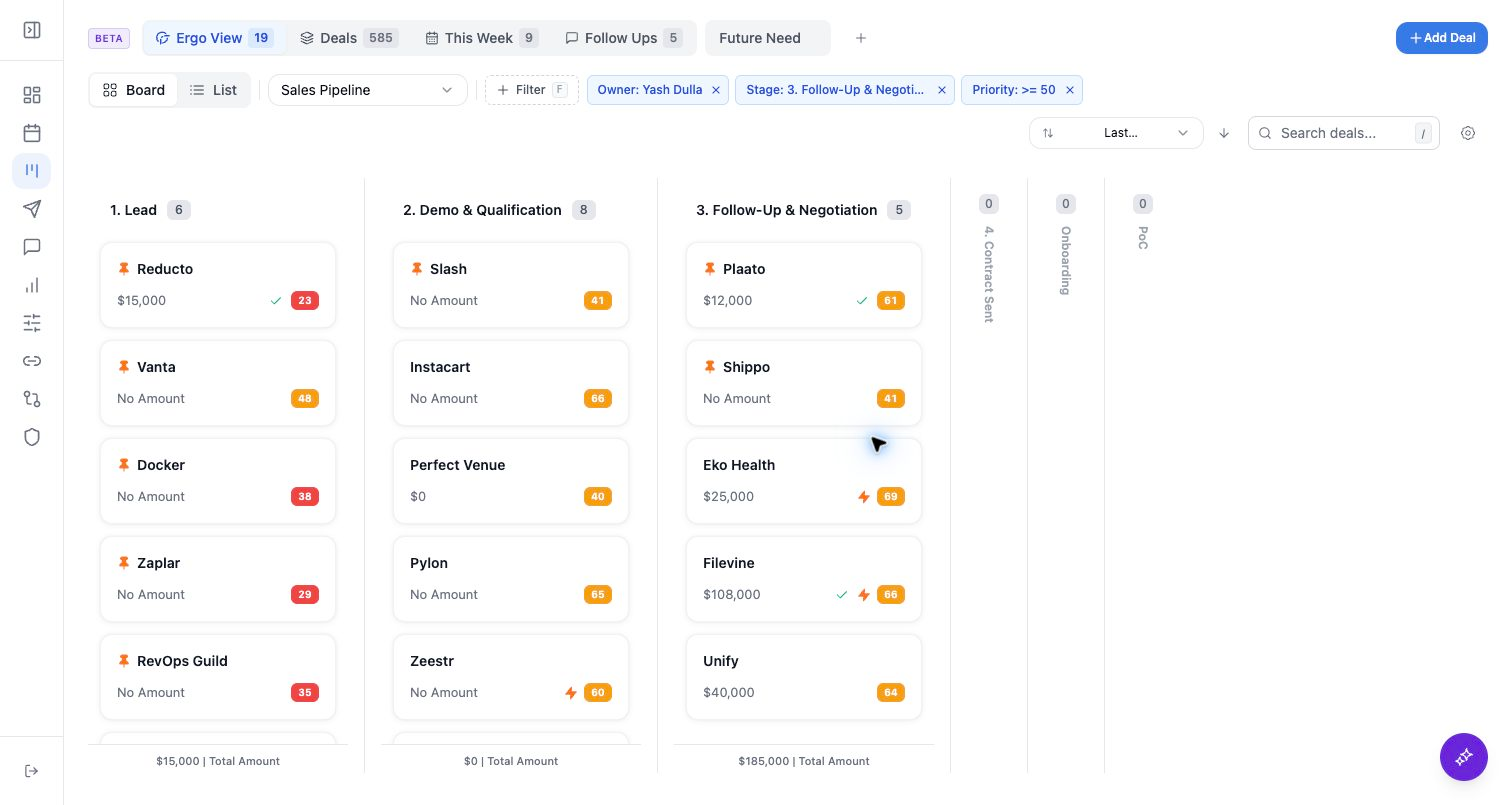
Use detail views when you need evidence behind a health signal, AI overview, draft, or CRM update. The exact sections can differ between deal detail and company detail.
Who can use this
- Sales reps, account owners, managers, RevOps, and admins working from pipeline and account context.
Before you start
- Connect CRM and complete field mapping before relying on CRM writeback.
- Check pipeline, view, filter, ownership, and record matching before assuming a record is missing.
- Confirm Deals access is enabled for your workspace; contact your admin or Ergo support if you do not see it.
Steps
- On deal detail, review activity, deal info, emails, meetings, and any custom field tabs available in your workspace.
- On company detail, review company activity, company info, emails, meetings, and related deals when available.
- Use the activity timeline search to find meeting and note items by title or content. Email activity search currently matches the subject only.
- Click a meeting activity to open its popup and add your own notes. These notes sync to the meetings page. You can add a title to a note and edit an existing note later to add a title.
- Adding your own notes to a meeting activity is the supported workflow for adding context to a meeting, including one with an autogenerated summary; it is distinct from editing the autogenerated summary itself.
- For a call recorded outside Ergo, open the deal and select Log Activity, then add a meeting so it is available to Ergo agents for deal context.
- Use the right rail on deal detail for linked company and contact context.
- Verify source recency before sending a draft or updating a CRM field.
What to expect
- Activity can include emails, meetings, and connected sources such as Slack when they are associated with the record.
- Emails and meetings appear when they are available to Ergo and matched to the record.
- Activity search supports meeting and note titles and content. Email activity search is limited to email subjects for now.
- Notes added from a meeting activity popup sync into the meetings page. Notes can have titles, and past notes can be edited to add titles.
Common issues
- Activity is attached to the company instead of the deal.
- A meeting or email exists but is not associated with the CRM record.
- The source system is connected, but the item is not matched to the CRM record.