Meeting filter: what sales-only processing means
Last updated: October 17, 2026
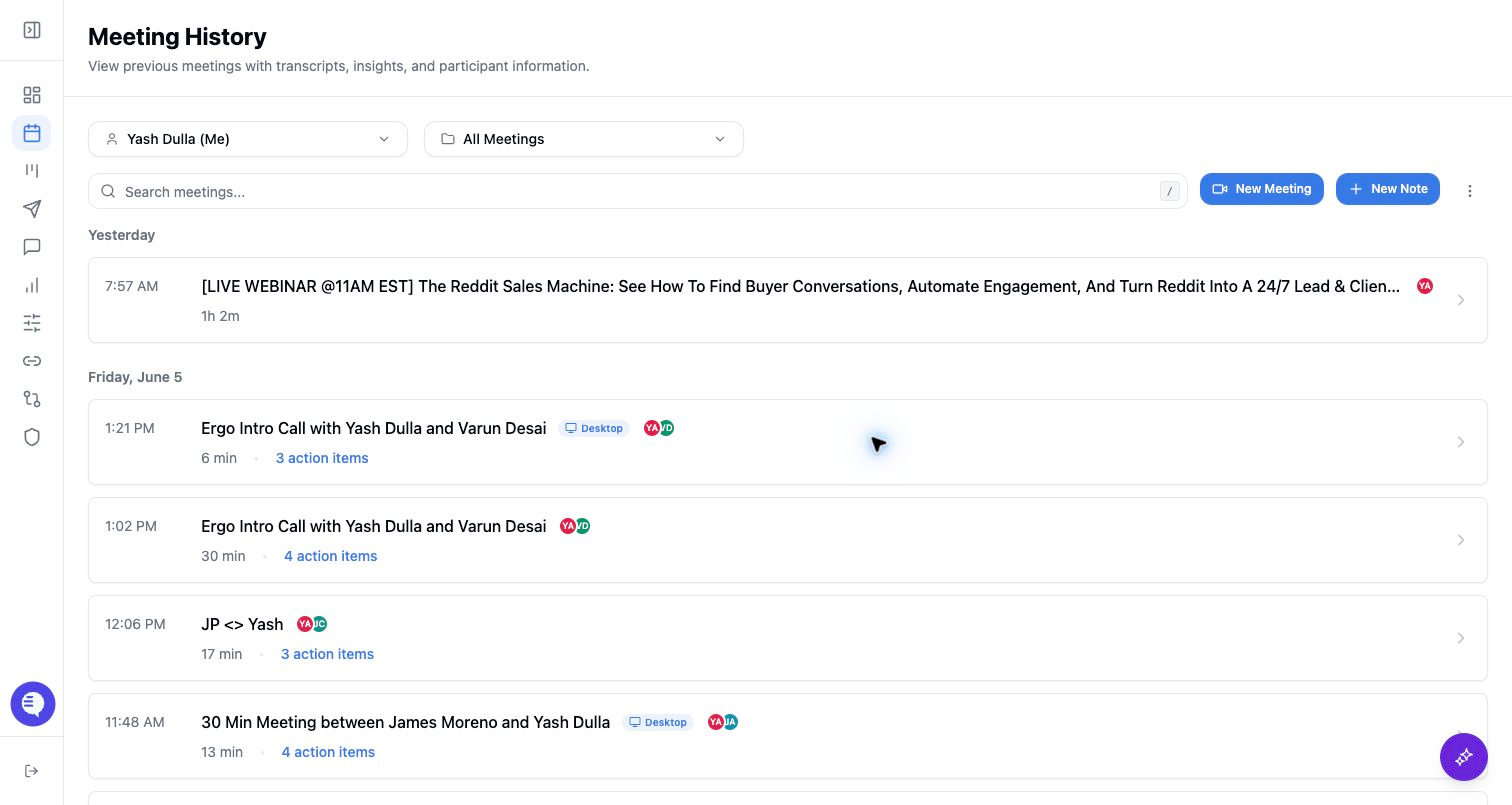
Some workflows depend on whether Ergo treats a meeting as relevant for sales or customer-facing processing. Capture and downstream generation are separate decisions.
What this affects
- Whether a meeting appears in customer-facing sales workflows.
- Whether follow-up drafts, CRM updates, or reporting insights are generated.
- How a transcript is used later for sales workflows, search, or manual review.
What it does not mean
- It does not mean the bot failed to record.
- It does not schedule, cancel, or remove the bot.
- It does not mean the transcript is unavailable.
- It does not mean every sales workflow will run immediately after capture.
How to review a meeting
- Open the meeting detail page.
- Check recording and transcript availability first.
- Then check whether summaries, insights, drafts, CRM links, and reporting outputs are present.
- If the meeting should have generated downstream outputs, review the source, attendees, title, and processing state before escalating.