Notetaker did not join
Last updated: October 18, 2026
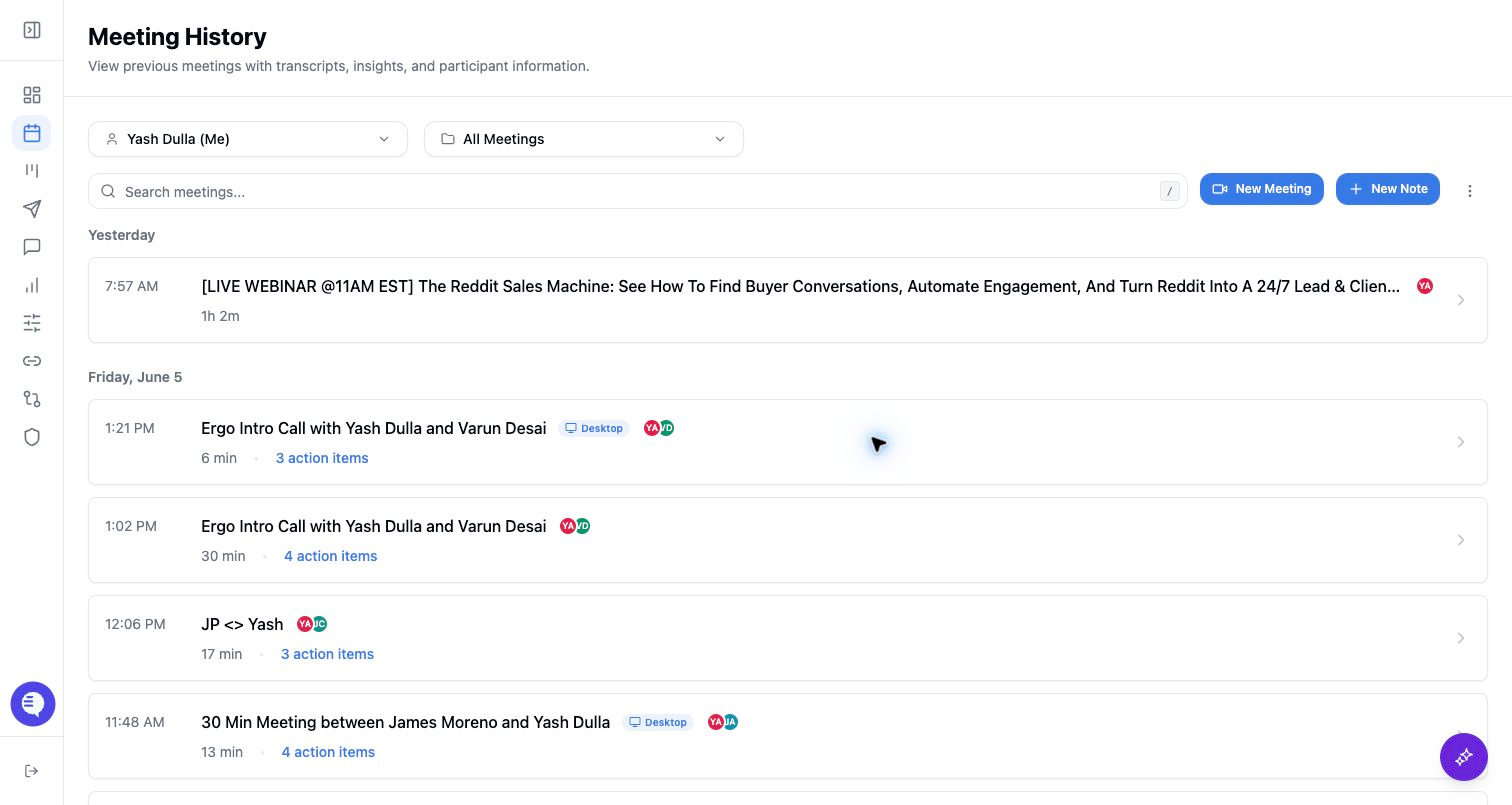
Use this page when the Ergo bot did not appear in a scheduled meeting, was not admitted, or needs to be added to a live meeting.
Symptoms
- The meeting starts but no Ergo bot appears.
- The bot entered the waiting room but was not admitted.
- The bot was removed from the meeting.
- The bot joined the wrong occurrence of a recurring or rescheduled meeting.
- A live external meeting link needs manual dispatch.
Most common causes
- Calendar or notetaker setup is disconnected, stale, or missing the event.
- The meeting link changed after scheduling.
- The meeting platform or waiting-room settings blocked auto-entry.
- The host did not admit the bot from the waiting room.
- The meeting is external, ad hoc, or live and needs Add Bot to Meeting.
What to check
- Confirm the notetaker is connected and the calendar event is visible in Ergo.
- Open the specific meeting occurrence and confirm the current meeting link.
- Ask the host to admit the bot from the waiting room.
- Check whether another org member's bot is already covering the shared call.
- Use Add Bot to Meeting for a live link or ad hoc meeting.
Resolution steps
- For future meetings, reconnect calendar/notetaker only if the event or bot state is stale.
- For a live meeting, use Add Bot to Meeting rather than waiting for the next calendar sync.
- If the bot was removed or not admitted, treat it as a meeting-room/host action rather than a processing issue.
- Test the next affected meeting after the access or scheduling issue is fixed.
When to contact support
- Contact support when the calendar event, notetaker setup, meeting link, and host admission path are correct but the bot still does not join.
- Include the workspace, affected user, meeting title or link, platform, scheduled time, and whether the bot was absent, waiting, admitted, or removed.
- Keep examples generalized and avoid sharing sensitive customer content in support requests.