Save widgets to dashboards
Last updated: October 17, 2026
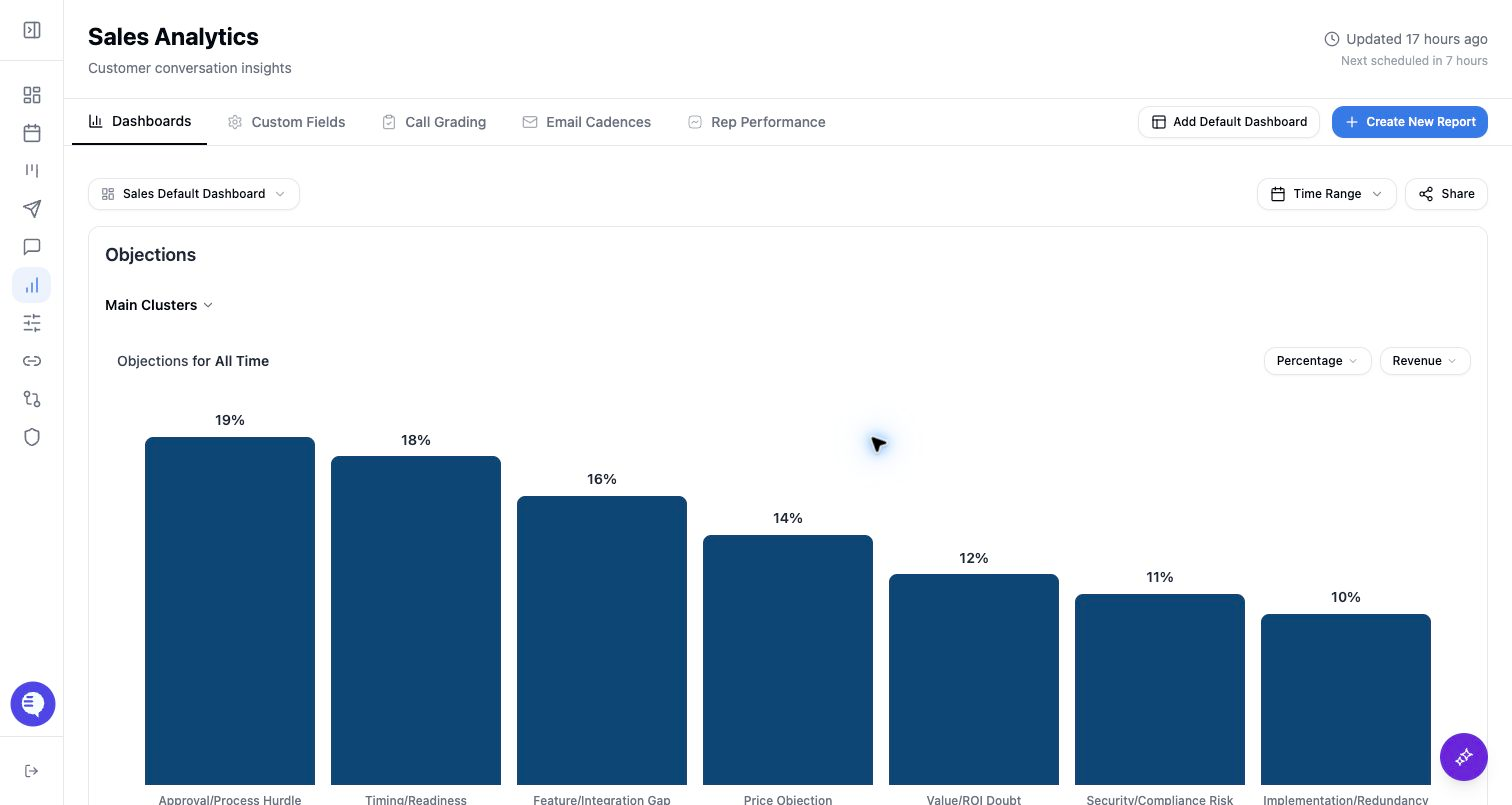
Each saved report appears as a widget on a Reporting dashboard. Use widgets to keep recurring reviews organized by team, segment, or operating cadence.
Save a chart as a widget
- Build the report in Chart builder.
- Select Save Report.
- Choose the target dashboard.
- Save the report or save and continue building more reports.
The dashboard must exist before you can save to it. If you need a new dashboard, create it from the dashboard selector first.
Manage widgets on a dashboard
Depending on your access, you can:
- Rename a widget.
- Edit the widget in Chart Builder.
- Move a widget to another dashboard.
- Copy a widget to another dashboard.
- Remove a widget from the current dashboard.
- Drag or resize widgets to change the dashboard layout.
Layout changes are saved back to the dashboard. If a save fails, refresh the dashboard before making more layout changes.
Move or copy carefully
- Move removes the widget from the source dashboard and adds it to the target dashboard.
- Copy keeps the source widget and adds a copy to the target dashboard.
- New widgets use a default placement on the target dashboard.
- Dashboard grants still control who can see the target dashboard.