Reporting dashboard sharing and embedding troubleshooting
Last updated: October 17, 2026
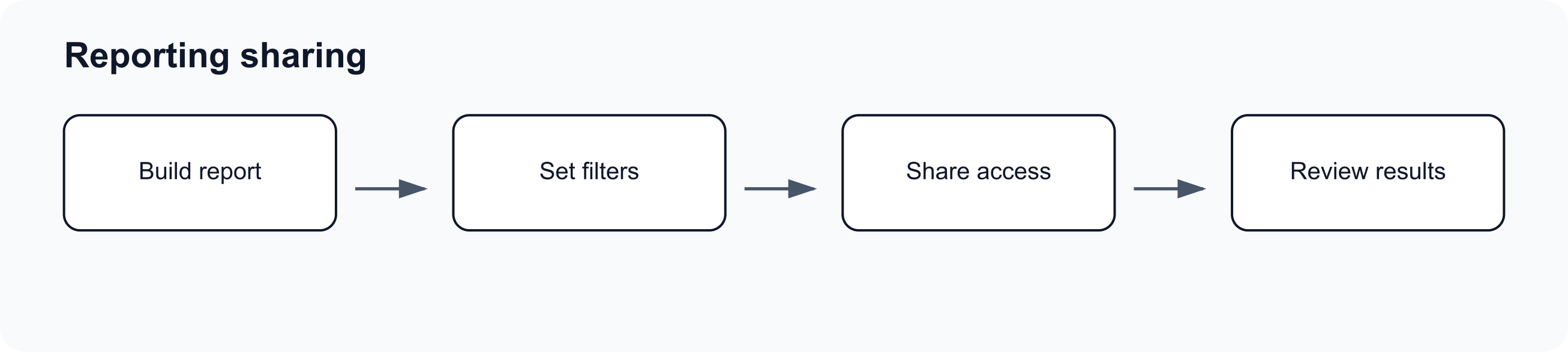
Use this page when a shared Reporting chart or dashboard link does not open, asks for a password, or shows less detail than the authenticated Reporting page.
Check the link type
- A chart link opens one widget.
- A dashboard link opens a dashboard view.
- A revoked link no longer opens the shared view.
- A password-protected link requires the current password for that share.
If the recipient expected a whole dashboard but received a chart link, generate a dashboard link instead.
If the link asks for a password
- Confirm the sender copied the current password.
- Check for extra spaces when entering the password.
- Ask the sender whether the password was changed after the link was shared.
- If the password should no longer be required, remove password protection from the share dialog.
If the link opens but details are missing
Shared views do not always expose every authenticated detail endpoint. For example, some source sentence details and revenue deal detail views are limited to authenticated Reporting.
Use the authenticated dashboard when the viewer needs:
- Full drilldown context.
- Revenue deal details.
- Access to other dashboards.
- Ability to edit, move, copy, or remove widgets.
Embedding caveat
Shared Reporting links are generated links to shared views. If you embed them in another tool, access still depends on the link state, password state, and any shared-session requirements. Test the embedded view as the intended audience before relying on it.