Share charts/dashboards
Last updated: October 17, 2026
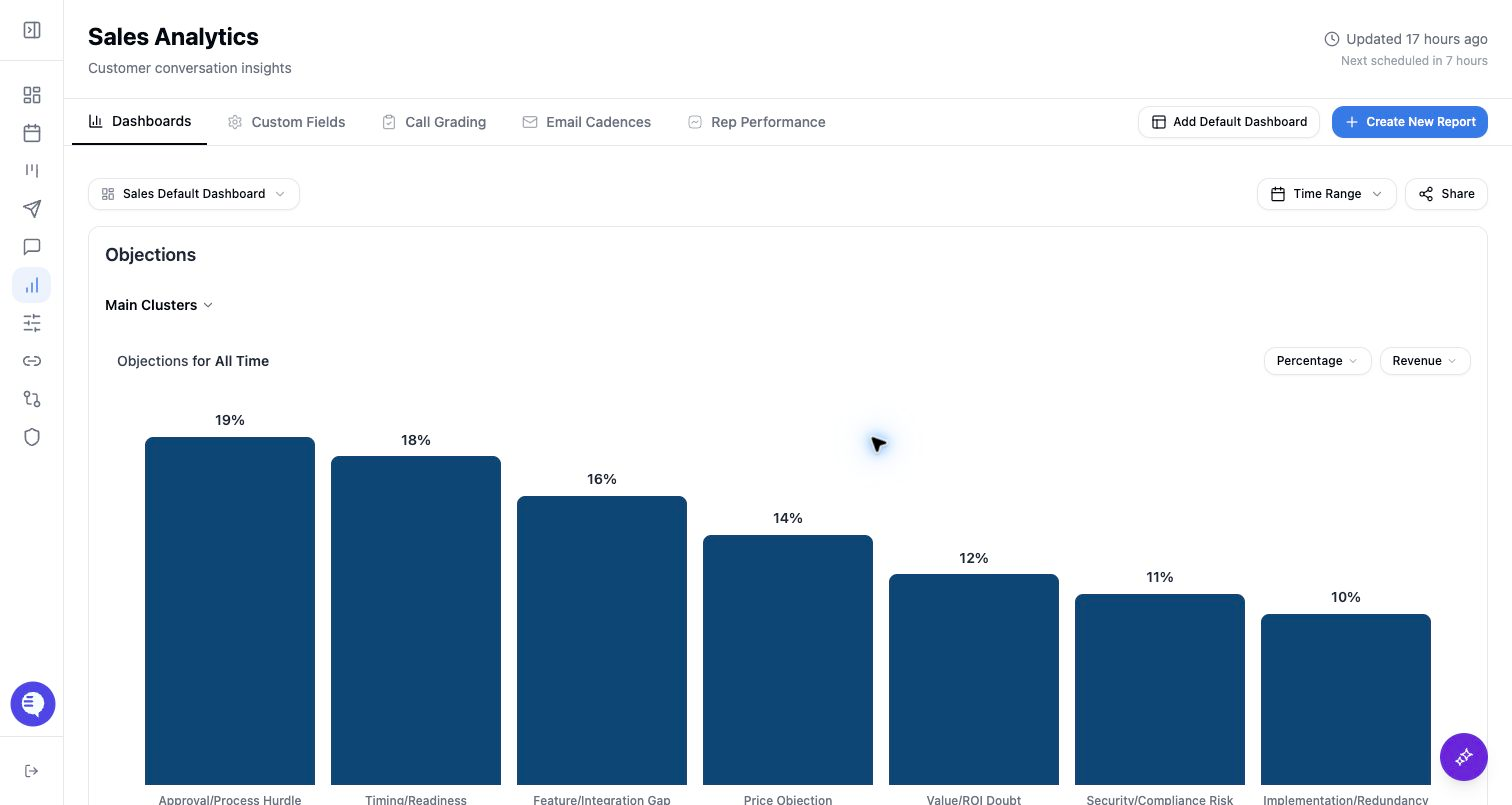
Use shared Reporting links when someone needs to review a chart or dashboard outside the normal authenticated Reporting page.
Chart link or dashboard link
- Chart links share one widget.
- Dashboard links share the dashboard view.
- Each link can be password protected.
- Each link can be revoked by unsharing it.
Shared links are best for a specific review moment. For ongoing internal access, use Reporting access grants instead.
Share a chart
- Open the dashboard that contains the chart.
- Open the chart share action.
- Copy the generated link.
- Add a password if the audience needs one.
- Send the link only to intended viewers.
Share a dashboard
- Open the dashboard.
- Select Share.
- Copy the generated dashboard link.
- Add a password if needed.
- Revoke the link when access should end.
Password rules
- Passwords must be at least 6 characters.
- Passwords cannot exceed 128 characters.
- Updating the password changes the password required for that shared link.
- Removing the password leaves the shared link active unless you unshare it.
Shared view limits
Shared views can be narrower than authenticated Reporting. Some sentence detail and revenue deal detail views are available only from authenticated charts. If a reviewer needs full drilldown access, grant them Reporting access instead of relying on a public link.